Your Sims 4 Townies Are Living Whole Lives You Never See
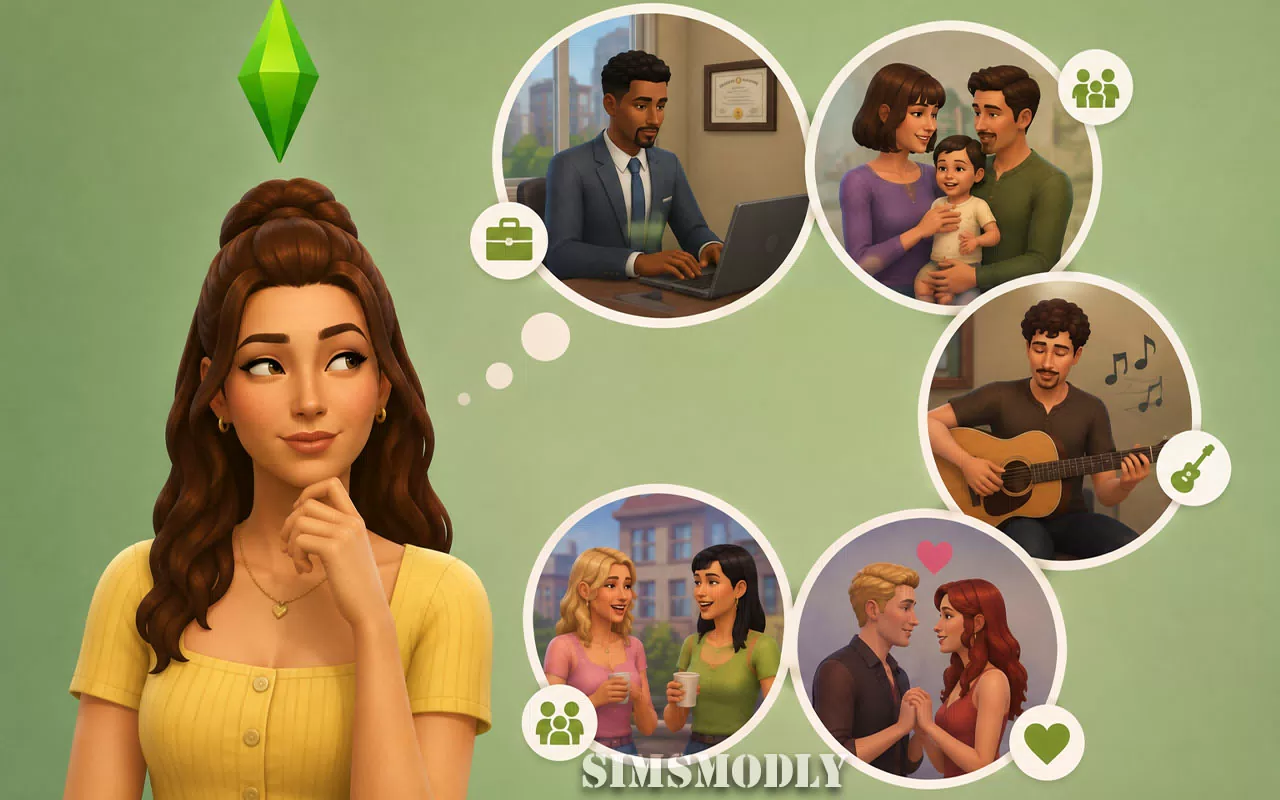
Switch to a household you haven't played in months and it's rarely exactly how you left it. The couple you set up on a first date is somehow married with a kid now. A townie who used to work retail is suddenly a doctor. Your Sim's old college friend moved out of their apartment entirely. None of this happened because you did it — it happened because the game kept living without you watching.
That's Neighborhood Stories, a system that's been running quietly in the background of every save since 2022, and it's responsible for a huge share of the "wait, when did that happen" moments players usually chalk up to randomness or a glitch.
What's Actually Happening Off-Screen
Neighborhood Stories lets every uncontrolled Sim in your world keep progressing their own life independently, even while you're not directing them. That covers a genuinely long list of life events: moving into or out of lots, starting, quitting, or retiring from careers, making or damaging friendships, starting or damaging romances, getting engaged, gaining skills, and gradually aging and eventually dying according to whatever aging settings your save is using. Unemployed Sims can even be quietly slotted into NPC roles — running a food stall, mixing drinks, working the gym floor — filling out the world's background cast without you ever assigning it.
The system isn't fully autonomous, either. For genuinely major life decisions, a Neighbor Sim will call your active Sim and ask for advice, giving you the option to weigh in directly or let them decide on their own — a middle ground between fully scripted progression and everything happening completely out of your hands.
Checking In Without Playing Every Household
You don't have to jump between households to see what's been happening. Clicking the mailbox and selecting Check Recent Neighborhood Stories surfaces a running log of what other households have been up to — the closest thing the base game has to a neighborhood newspaper, and a much faster way to catch up on a large save than manually cycling through every family.
The Setting Nobody Realizes Is Per-Save
Here's the detail that causes the most confusion in forum threads: Neighborhood Stories settings aren't a single global toggle — a Sims 4 designer has confirmed they're configured on a per-save basis, meaning changing the setting in one save file has zero effect on any other. Players who toggle it off in one world and then get confused when a totally different save still shows aggressive story progression are usually running into this exact disconnect, not a bug.
To actually change it, the option lives in Game Options under Reset Custom Configurations — not somewhere most players would think to look for a story-progression toggle, which is part of why so many players don't realize the setting exists at all until something in their world surprises them.
Where Aging Settings And Story Progression Collide
This is the pairing that causes the strangest-looking bugs, and it's really two separate settings interacting badly rather than either one malfunctioning on its own. Aging can be toggled independently for played and unplayed Sims, and Neighborhood Stories runs on top of whatever that aging configuration is. Turn aging off entirely while leaving Neighborhood Stories on, and the game keeps generating pregnancies and new babies in unplayed households without any of them ever growing up — which is exactly why players report neighborhoods slowly filling with permanent infants that never age into anything else. It's not a bug in the traditional sense; it's the two systems doing exactly what they were configured to do, just in a combination that produces a strange result.
The reverse mismatch shows up too: players who specifically want townies to age up alongside their own Sims, but who find some previously-created households frozen while townies age normally, are usually looking at a household that's been marked unplayed with its own aging behavior separate from the townie pool — worth checking household-by-household rather than assuming one global aging setting controls everything.
Reading Your World With This In Mind
Check the mailbox regularly in a save you're invested in — Check Recent Neighborhood Stories is the fastest way to catch major life events before they surprise you mid-game.
Remember the setting doesn't carry between saves — reconfigure Neighborhood Stories separately in every save file where its behavior matters to you.
If your world is filling with babies that never age, check whether aging is disabled for unplayed Sims specifically — that combination, not a bug, is almost always the cause.
Households marked unplayed can behave differently from active townies — if a specific family seems frozen while everyone else ages normally, its individual settings are the first thing worth checking.
Frequently Asked Questions
Can I turn off Neighborhood Stories completely?
Yes. The setting is adjustable through Game Options under Reset Custom Configurations, and it can be enabled or disabled separately for each save file.
Why do unplayed households keep filling up with babies that never grow up?
This typically happens when aging is turned off for unplayed Sims while Neighborhood Stories is still active, since the system keeps generating pregnancies without any way for those Sims to age up.
Does changing Neighborhood Stories in one save affect my other saves?
No. The setting is configured on a per-save basis, so adjusting it in one save file has no effect on any other save you play.
Do I have to manually visit every household to see what's changed?
No. Interacting with the mailbox and selecting Check Recent Neighborhood Stories shows a summary of recent events across other households without needing to load each one individually.
Sources
EA Forums — Question about Neighborhood Stories and Auto Age
EA Forums — Previous households won't age, despite neighborhood stories being on
Details reflect the Neighborhood Stories system as documented since its 2022 rollout; specific behaviors around aging edge cases can vary depending on save history and installed packs.